Automatic detection
Impacts found by the computer
A camera films the target, the computer finds the edge of the axe and the game reacts almost instantly. The score counts itself, nobody touches the screen.
- found to the pixel, not just the axe
- The edge
- roughly, between the impact and the game's reaction
- 0.3 s
- for venue axes and suction cup toys
- 2 models
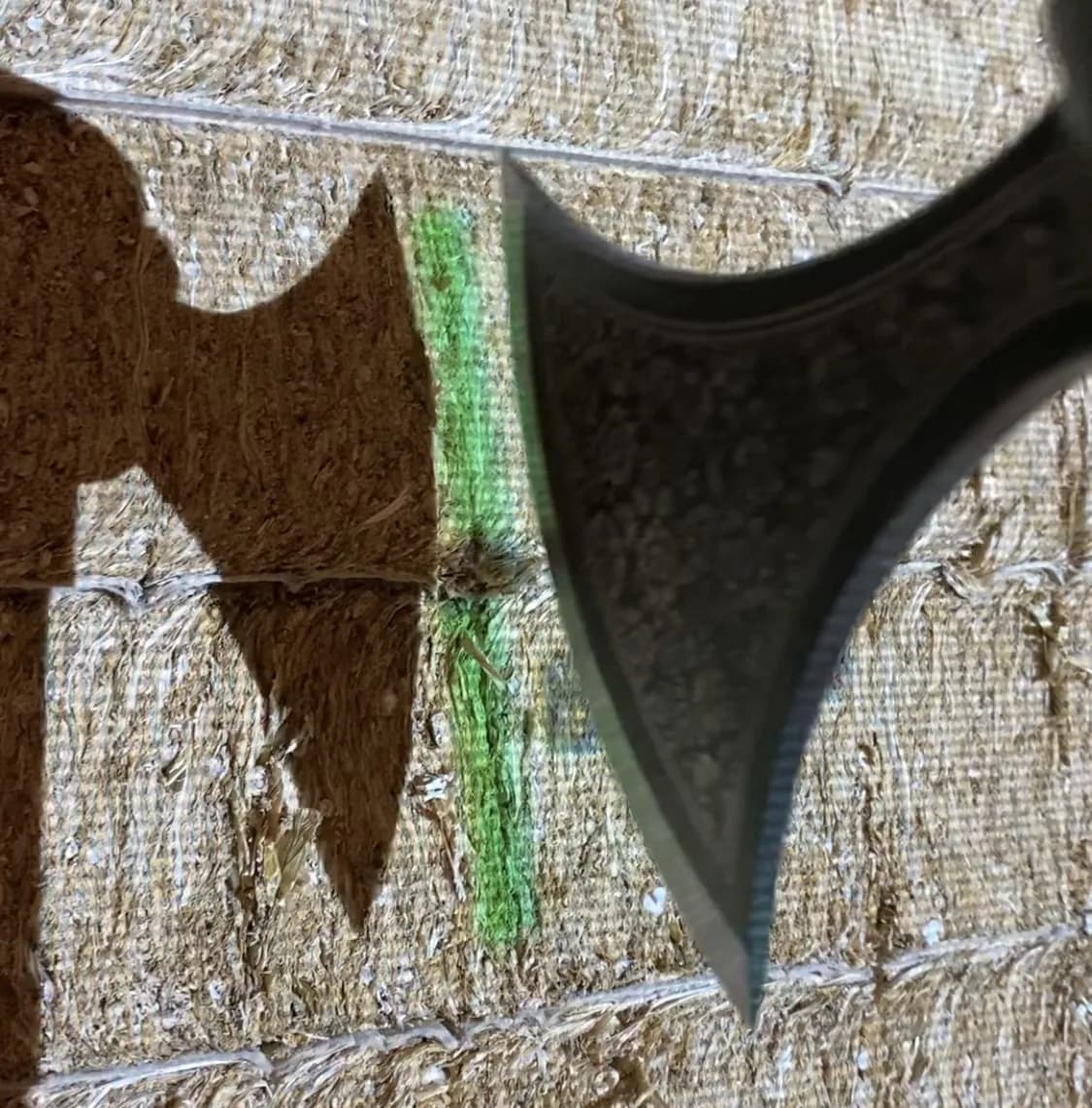
We go looking for the line of the edge
Some systems settle for spotting the axe, or its head. For real competition games, that isn't enough: you need to know whether the edge bites the line of the zone above.
So DigiThrow looks for the line of the edge itself: that is what decides the score.
The game's rules decide
Once the edge is found, each game knows what to do with it. Nothing to set up.
The right zone, game by game
Depending on the type of game, the software keeps either the best zone touched by the edge, or the one it bites into the most.
In doubt? Cancel
If the thrower disagrees, they can go back at any time with the Cancel button.
An almost instant reaction
Between the impact and the game's reaction, about 0.3 seconds go by. For the thrower, the target reacts almost the very moment the axe lands.
This speed opens the door to moving games, even fast ones. In Fruits, the fruit flies at real speed and detection catches it in time. These games are much harder for automatic detection: its speed is what makes them possible, and DigiThrow is, for now, the only one to offer them. They take the small detection latency into account and stay smooth, fair and really fun to play.
However the axe lands
Detection finds the edge when the axe lands straight, but also over-rotated, under-rotated, stuck on one side or the other, or even upside down.
And two axes thrown at the same time are both detected.
Precise and fast at once
Finding the edge takes more computing than spotting the axe: precision costs time. We consider that time necessary for detection to be truly usable in every type of game. The equipment and the optimization make up for it: DigiThrow is both more precise and faster.
Quality equipment
Camera, computer, projector: every item on the recommended list is chosen and tested for this exact use.
No margin on equipment
DigiThrow takes no margin on the equipment: you buy it wherever you like. Venues get equipped at a reasonable cost, with high-performance hardware.
Optimized software
Every step, from the camera image to the display, is optimized so that detection responds as fast as possible.
Targets that react
They move, they explode, and the score drops in without anyone touching the screen. Hover over a thumbnail, or tap it, to see it play.
Two detection models, two uses
The same lane welcomes a group who came to throw axes, then a family with children.
The core model
Tomahawk model
Designed for the real work of throwing venues, with the tool that suits it best. It is trained on the most common tomahawks in French venues.
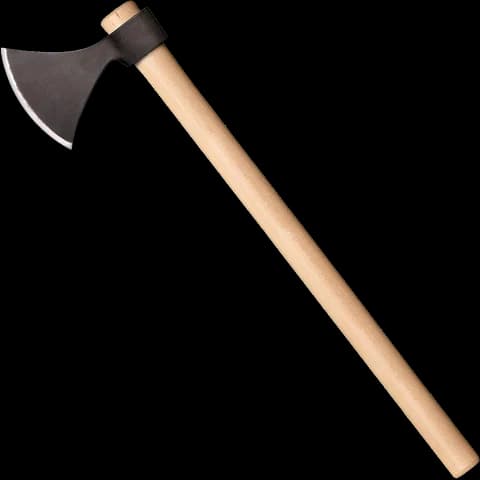
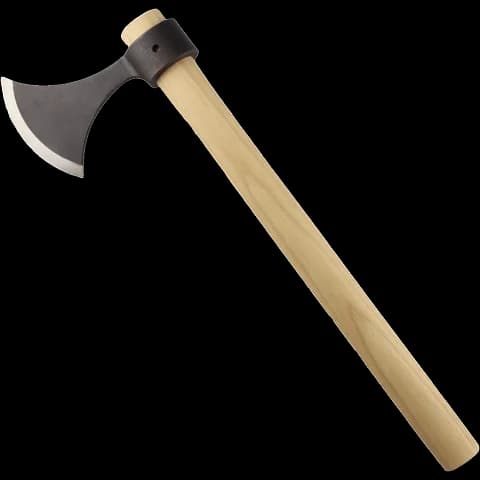
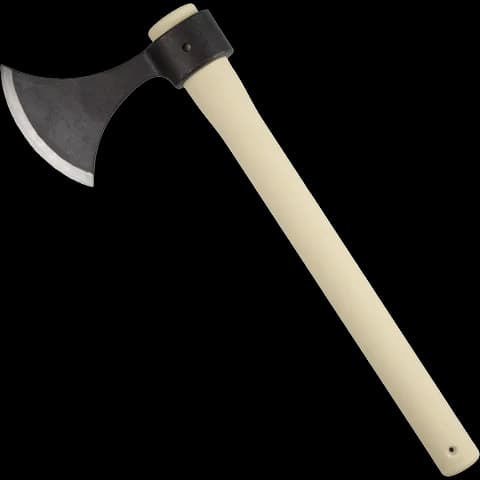
Why tomahawks?
We have been selling throwing equipment and working with professionals for years. Tomahawks are the most widely used axes in venues, and not by chance: light and easy for beginners to handle, also chosen by competitors, sturdy and repairable, with a modest running cost. It is the best balance we know.
A different audience
Toy model
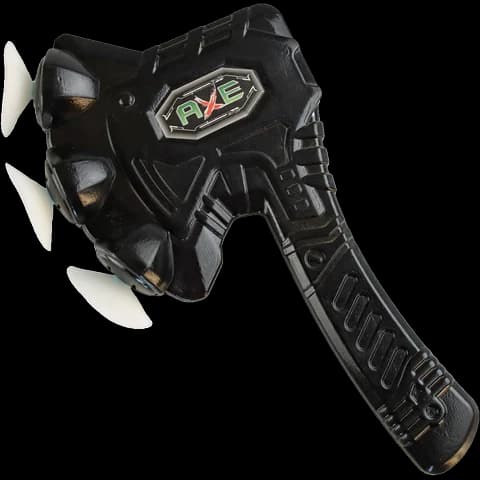
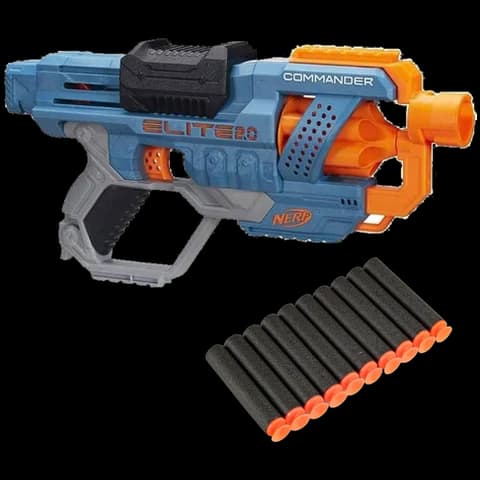
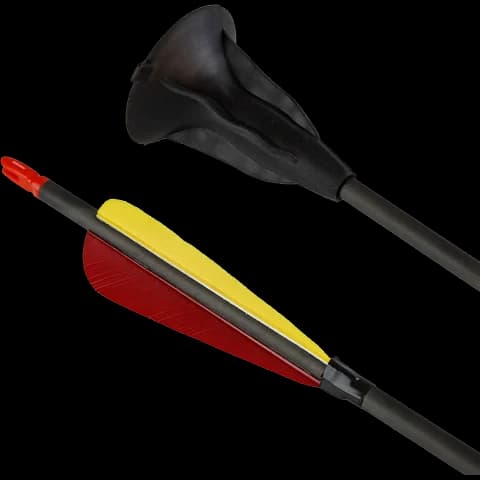
A second model opens the lanes to a completely different audience. It recognizes the suction cup axe, dart and arrow, and blaster ammunition, even mixed in one game: ideal with children, nothing to change.
A new clientele
Birthday parties, families with young children, groups who would never have thrown an axe: suction cup mode opens your lanes to an audience that real axes don't attract. It doesn't replace your usual sessions, it adds more, on the same lanes and with the same software.
Discover suction cup modeA test tool built into the software
Every venue has its own wood, its own lighting, its own distance. The test tool shows what the camera sees and what the model makes of it: you validate the detection on site, on different backgrounds, before playing.
Settings are available to the administrator to match their environment as closely as possible. Camera settings too, for easy adjustment: landscape or portrait orientation, zoom and focus.
With detection, without detection, or both
The manager chooses for the venue, then the player for the game.
The manager decides, then the player
Every game works with or without detection. The manager chooses what the venue allows. If both automatic detection and manual entry are enabled, the choice goes to the player.
Without a camera, it's still DigiThrow
DigiThrow runs perfectly well in a venue without cameras: every game is then played with manual entry. But given what cameras cost, they are really worth it: playing with automatic detection is a different experience.
Switch your lanes to automatic detection
The brochure covers the games, the recommended setup and the tested equipment. You receive it by email, with the pricing.