Families
They come to have fun.
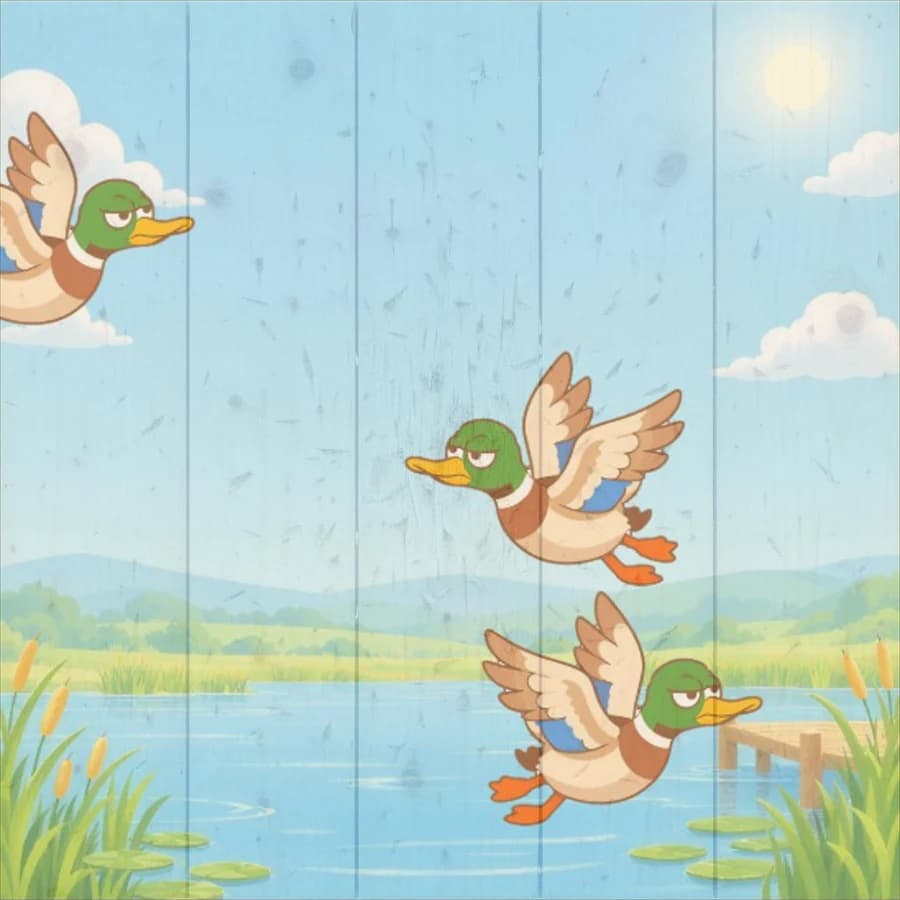
Fun games that move and explode, and suction cup mode so the youngest can play too.
- Ducks
- Destruction
- Fruits
- Suction cup mode
Features
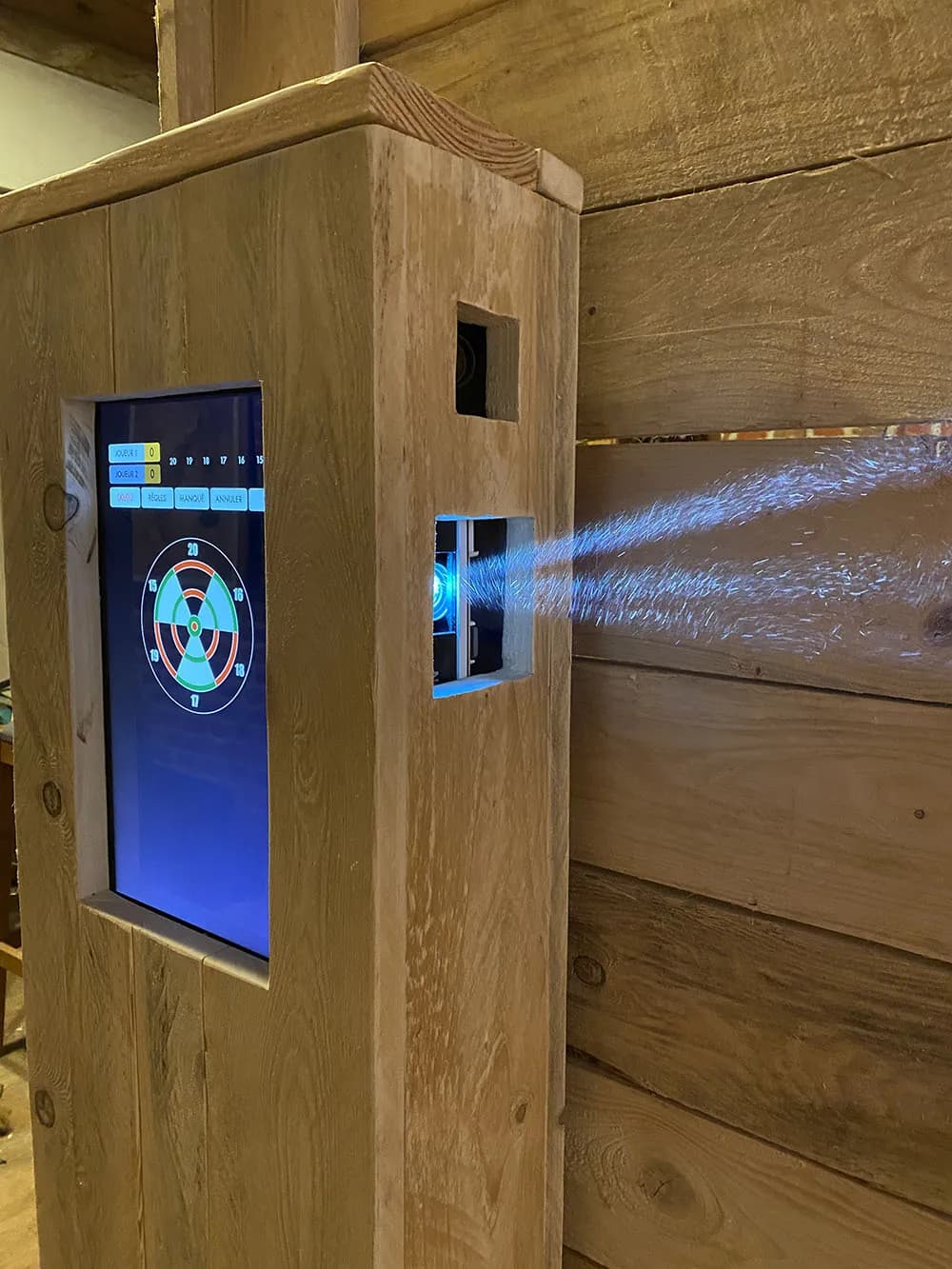
A throwing lane is wood and paint: nothing to switch on. Technology can be daunting. We wanted DigiThrow to stay simple, for you and for your customers.
A tablet, a computer or a phone, any brand: the dashboard opens in the browser, behind the bar or in your pocket.
With one optional smart plug per lane, “Switch all on” starts the whole venue. “Switch all off” closes the software, then the computers, then the projectors. Even from home, if you forgot.
The players, the duration, Start. The lane wakes up with its countdown. Extend and End are right next to it.
Up to six per lane: just a first name, one of the venue's regulars, or an account created on the spot to save their scores online.
Choose the games offered on each lane. A group getting bored? Add a game mid-session, and it's waiting for them when they go back to the menu.
“Happy hour”, “10 minutes left”: your message appears over the game.
Pending, received, applied: you know whether the lane got what you sent.
A discreet button on the target opens your menu. Your customers choose, send their order to the bar and follow it until it reaches their lane. The game pauses while they order.
Nothing is required: orders are switched on lane by lane, and stay off until you turn them on. No bar? Nothing changes on your lanes.
Several menus, variants with their prices, your photos: everything is set up from the dashboard.
The order reaches the bar with a sound. The lane sees where it stands: sent, being prepared, served.
A sold-out product disappears from the lanes' menu right away.
In My stations, what the lane has ordered, and “Mark all paid” in one tap.
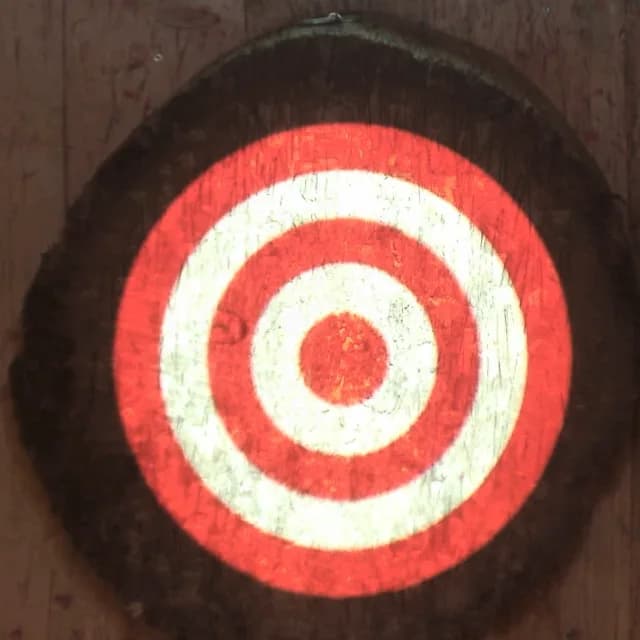
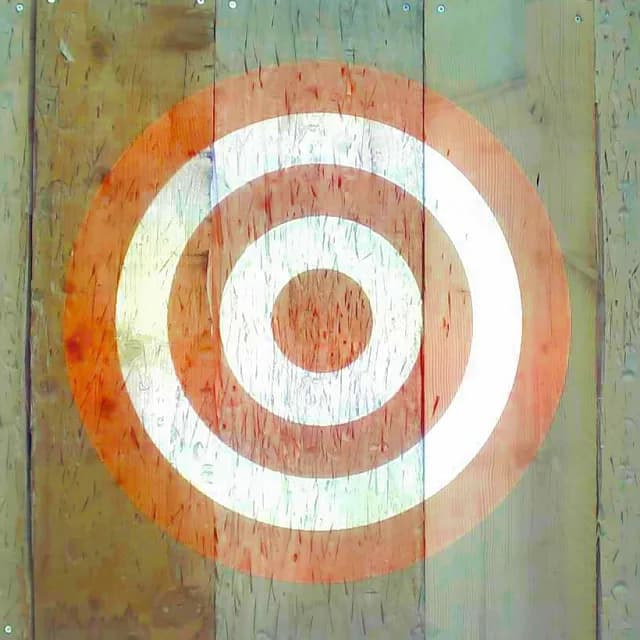
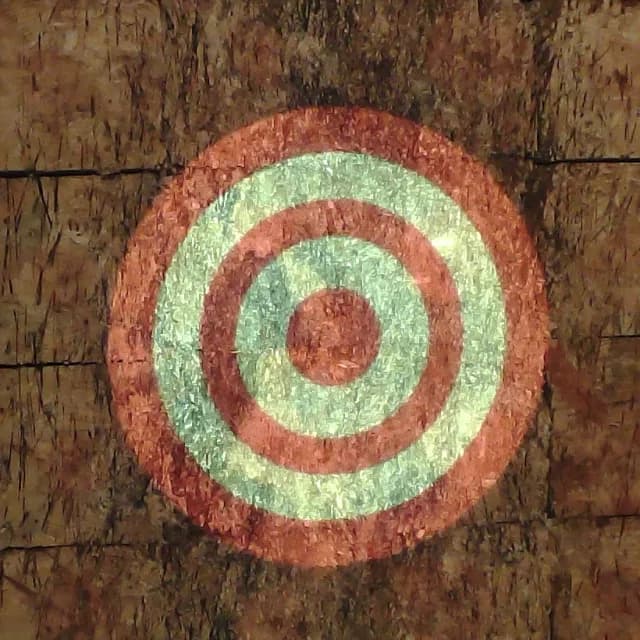
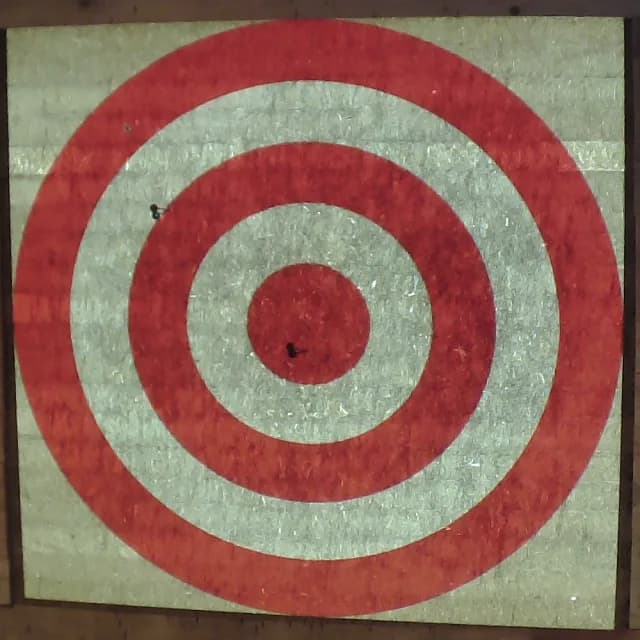
No need to change the target you're used to. DigiThrow adjusts to it: its shape, its size, the size of its zones. Round or square, wood or straw, projection and detection follow.
A throwing venue has several kinds of customers. We built the software so that each of them gets something out of it.
Families
Fun games that move and explode, and suction cup mode so the youngest can play too.
Groups of friends
Multiplayer games, one on one or in teams, that people spend hours on without getting bored.
Enthusiasts
A real competition game, their scores online and their statistics. Enough to make them want to keep going.
One hour isn't enough to try everything. That's on purpose: it makes people want to come back.
A player who follows their progress comes back. Online scores give them a reason to, at your venue.
Created at the venue or on the website, free. Their Competition games follow them from one venue to another.
Their records and game history, event by event, on their thrower page.
Casual by weapon, official by event: they compare themselves with other throwers, and your venue has its own.
A player links themselves to your venue: you add them to a lane in one tap, without typing their name again.
Build your bar screen from widgets: leaderboards, the venue's champions and records, latest scores, today's throw counter, most played games, free lanes with their time left, a message, your logo or your menu.
Several pages that rotate, one address to open on the TV, and the figures update themselves. The same widgets fit into your website.
The dashboard counts everything your lanes record. Per lane or for the whole venue, over the period you choose.
Throws, play time, sessions, and the times the venue fills up, day by day, hour by hour.
The most played, and the combinations of games that wear the target evenly.
Targets, projectiles, lamps: their lifespan, their maintenance, and what they cost you per hour of play. Enough to compare two models on your own figures.
The impact map shows where your targets wear out, so you know when to turn or replace them.
The share of throws counted without intervention, and an alert when a camera needs reframing.
Revenue, average order value, best-selling products, and what an hour of play brings in.
The software is installed on each lane's computer. Everything you do from the bar can also be done directly on the lane, as in the beginning, when there was no website.
During an outage, statistics stay on the lane. They are sent as soon as the network is back.
The details that matter when you use it every day.
French, English, German, Spanish, Italian, Dutch, Portuguese, Polish and Hungarian.
Each game has its rules. Your customers play on their own, without coming to the bar to ask how a game works.
Your logo in the software, and your standby screen on the lanes: an image or a video.
The session time runs on the lane. At the end, it can lock itself and go back to standby.
A ranking added up over the whole session: each game awards points according to each player's place. At the end, you know who won the evening, not just the last game.
Number of targets, speed, size, throws per turn: each game adapts to your audience.
A disputed throw is canceled with one tap. Without a camera, players simply touch the zone on screen.
Settings are protected by a four-digit code. Players can't touch them.
Players send a photo from their phone with a QR code: it appears on the target.
Every game has a round target mode: it adapts to the round shape of your trunks.
The size of the target and its zones is fully adjustable in the software.
New games and improvements install straight from the settings. Your settings are kept.
The brochure covers the games, the recommended setup and the tested equipment. You receive it by email, with the pricing.